Free desktop app · Mac + Windows
MPC Extractor Classic
Your old MPC beats, played the way the machine plays them. Then mix them on a rack, arrange them, and export.
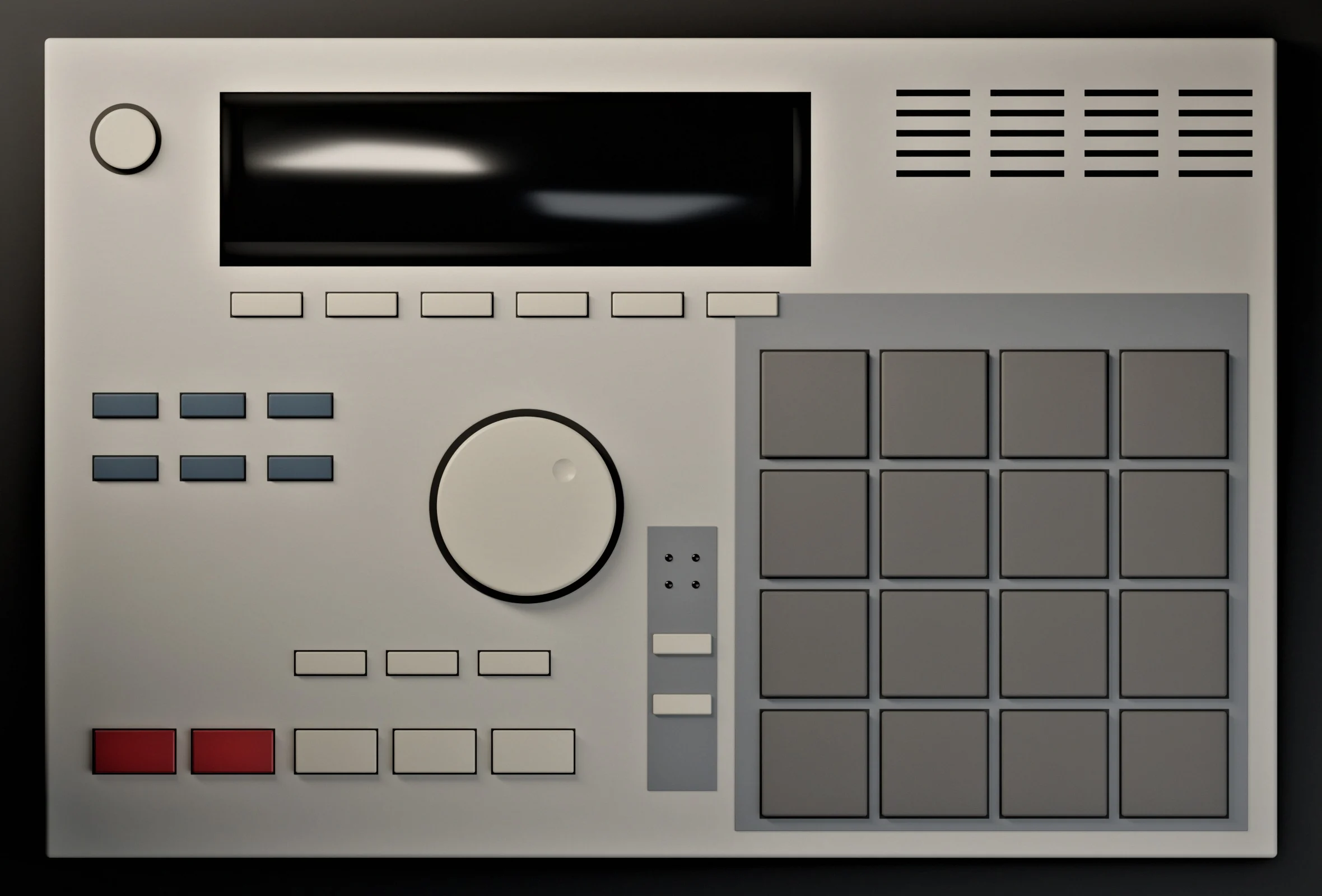
The MPC is the menu — press the keys under its screen, tap the screen to read on. Or just scroll.
Your beats, the way the MPC played them.
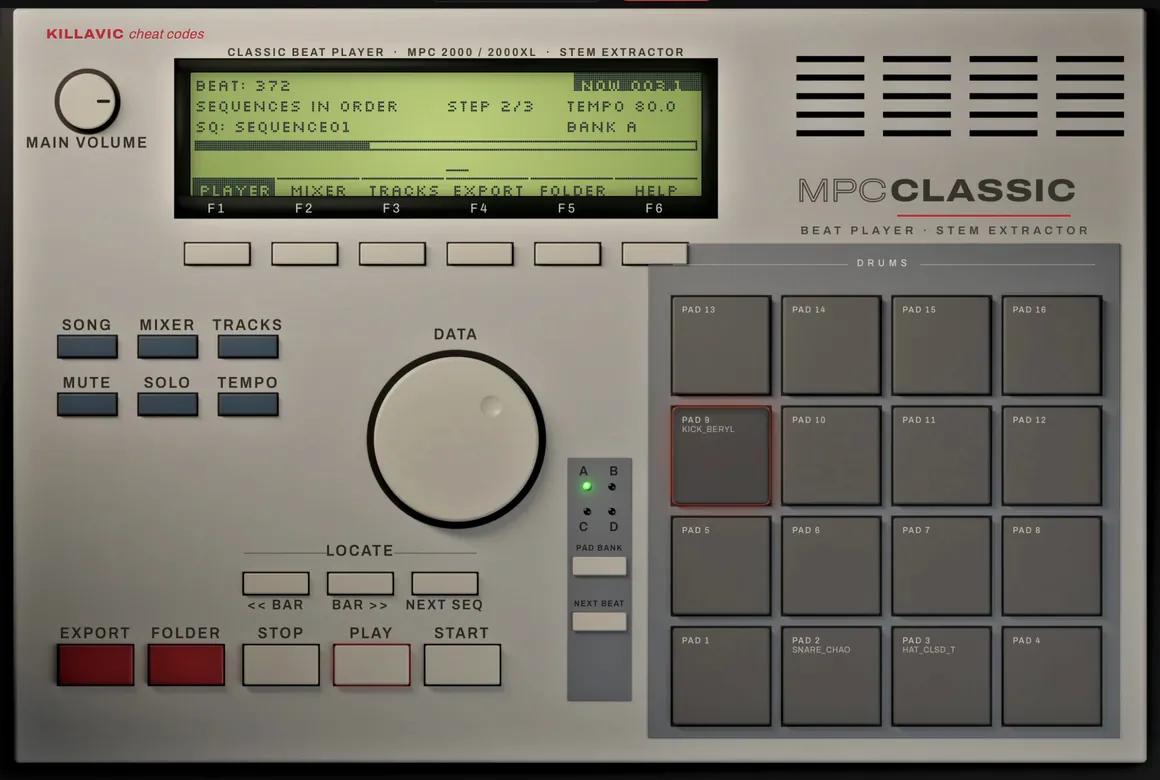
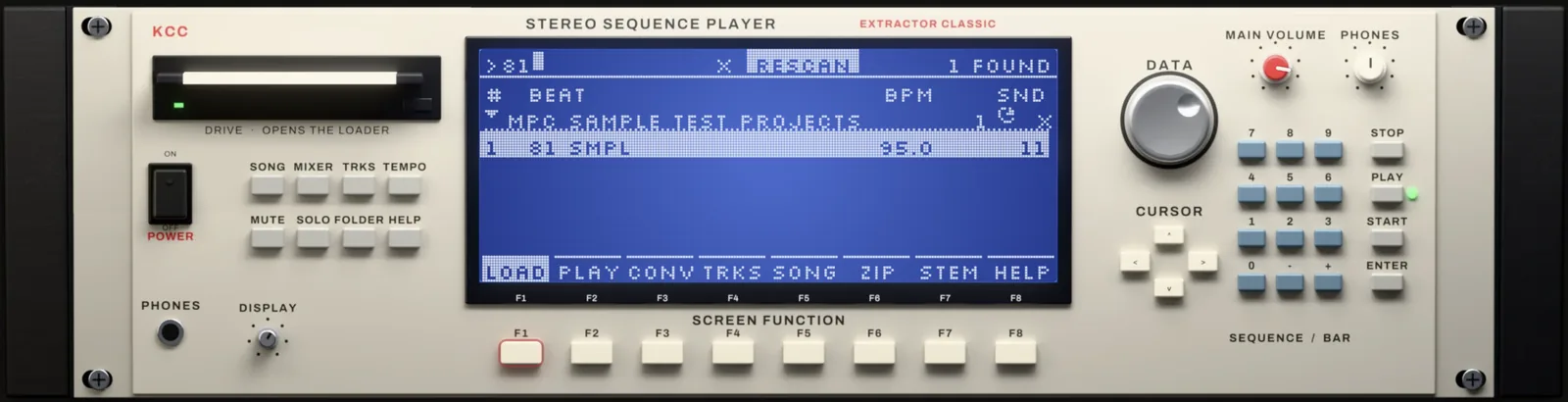
MPC Extractor Classic opens the beats you made on an old MPC — straight from a folder, a ZuluSCSI or Gotek disk image, or a handful of loose files. It finds every beat on the disk, loads it onto an MPC on screen, and plays it back by the machine’s own rules.
Its sound engine is checked against the MPC 2000’s own operating system: envelopes, filters, velocity, pan, level and 16 Levels. The goal isn’t “close enough” — it’s your beat, sounding like it did on the machine.
Your folders stay in the player: RESCAN reads them again after you add beats, FIND jumps to a beat by its name, and a double-click loads it.
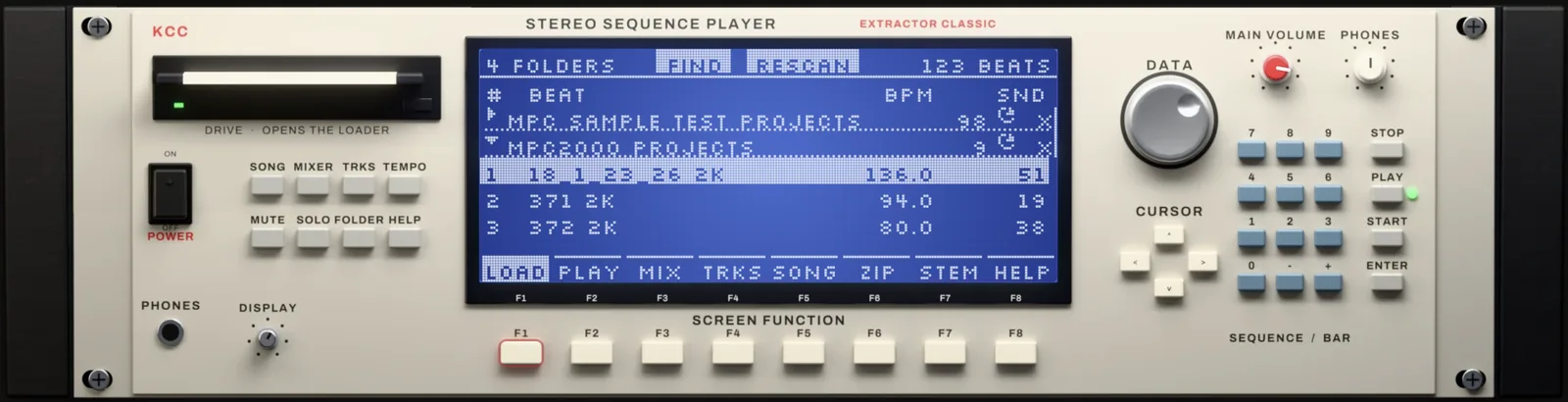
- OpensFolders, disk images (.img), loose files
- PlaysBy the MPC’s own laws, pads lighting with every hit
- CostsNothing. No account, no licence key
Supported MPCs.
Which MPCs MPC Extractor Classic opens today — the same list as in the app.
- MPC 2000 / 2000XLSUPPORTEDYour SD card, a drive or floppy image, or a folder of .ALL / .APS / .PGM / .SND files: plays the beat, exports every pad’s stem, the mix and Ableton / FL Studio / Logic sessions.
- MPC 2500BETAProjects saved on the 2500 (JJOS): the .ALL with its programs and WAVs — plays, stems, DAW sessions. If one sounds off, report it.
- MPC 1000BETASaves the same files as the 2500, so it should open — not yet tested on a real 1000’s beats. Send one in.
- MPC software 2.x / MPC 3 projectsCONVERTMPC Live, One, X, Key and Force projects: CONVERT turns them into MPC 2000 beats you can play here or load on a real 2000.
- MPC 60, 3000, 4000, 5000, 500 …NOT YETNot yet. Request yours — the machines with the most beats sent in get supported next.
- MPC SampleNOT YETUse MPC Extractor (the free app made for the MPC Sample) for its stems and DAW sessions. Open MPC Extractor
Have another legacy MPC you want trackouts and Classic support for? Send a beat from it — the machines with the most beats sent in get supported next.
Request your MPC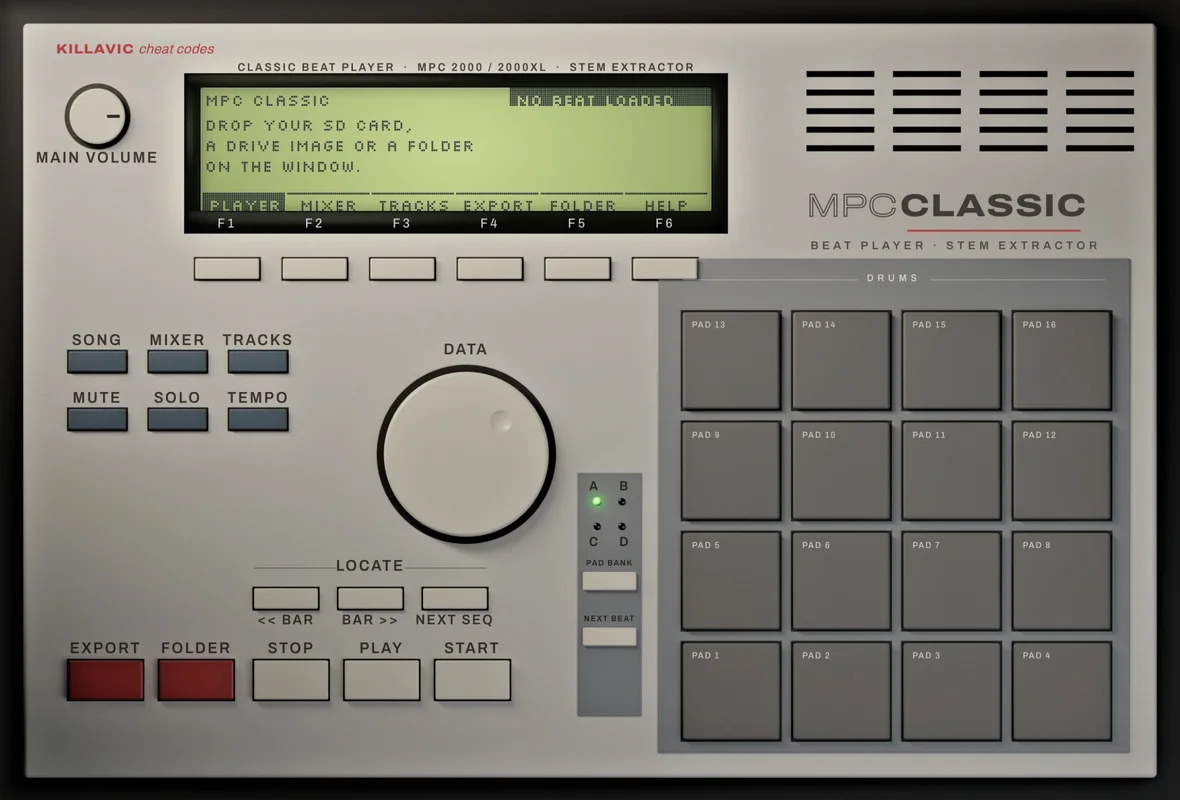
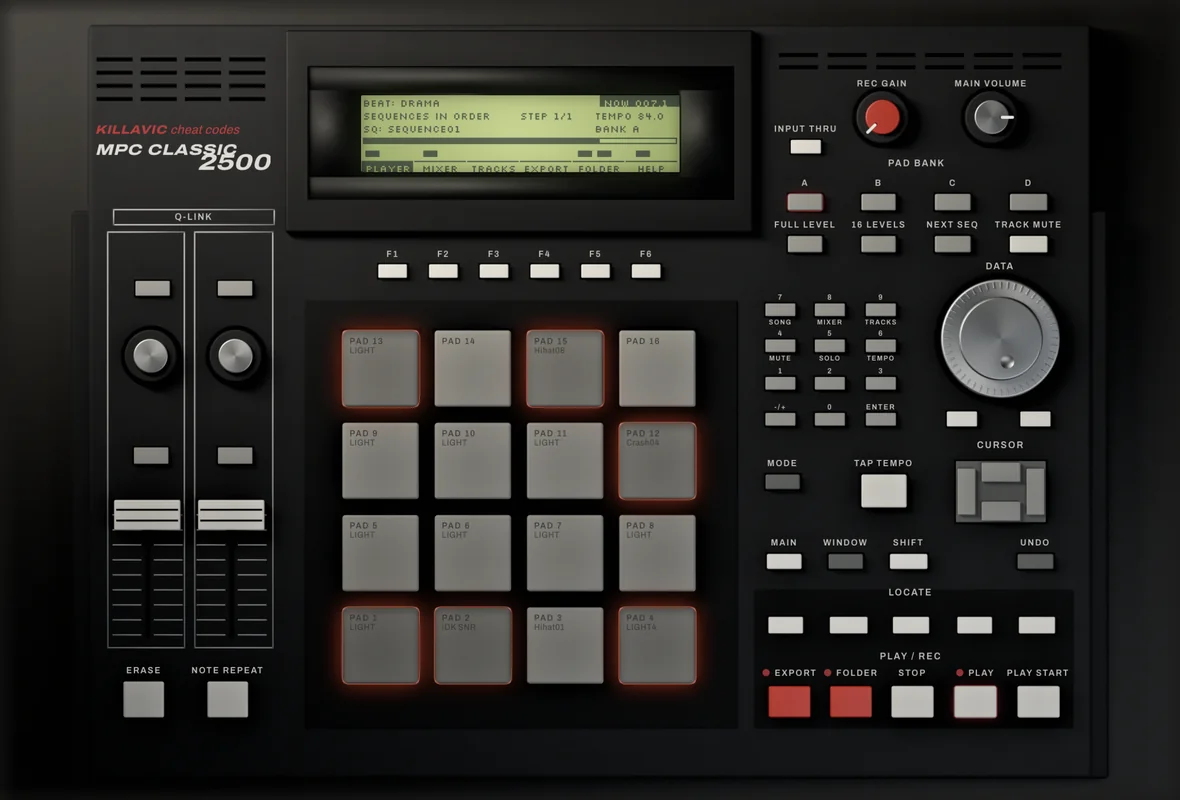
Back to the hardware: CONVERT and the Kit Builder.
Made a beat in MPC software 2.x or MPC 3 and want it on your old MPC? CONVERT turns the project into a set for an MPC 2000, 2500 or 1000: the programs and pads, the sounds, chops as slices, warped samples baked in.
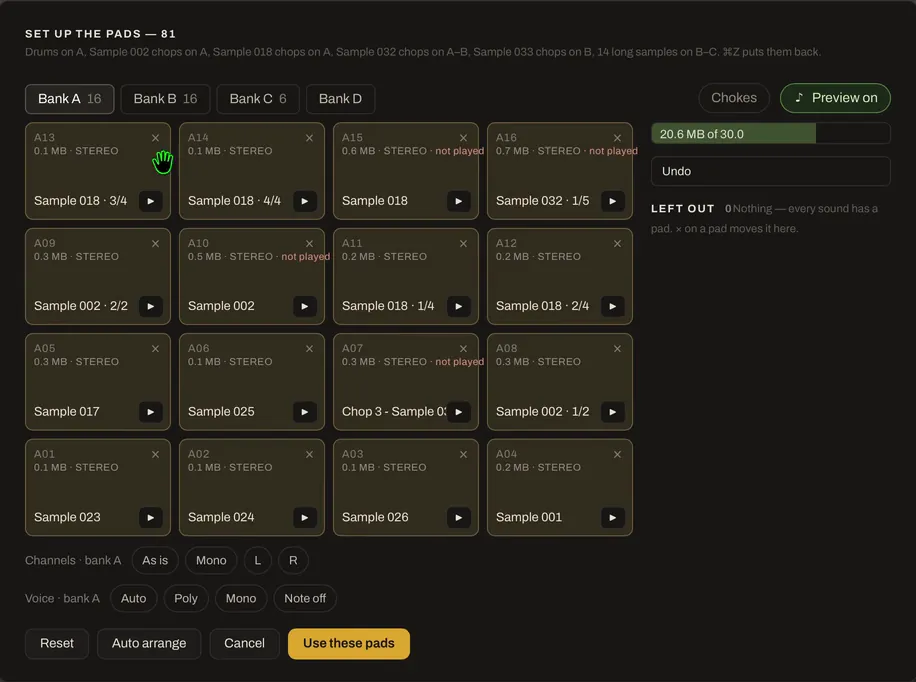
Set up the pads first if you like: drop your own samples on them, see what each pad costs in memory, let Make it fit bring the set under your MPC’s RAM, or let Auto arrange put the drums on bank A and each chopped sample on a bank of its own.
A 2000 set goes to a folder, a new disk image, straight into your own drive image (with undo), or onto a Gotek floppy — for the stock 1.72 OS or a modded OS. A 2500 or 1000 set goes to a folder for the CF card, for Akai’s OS, JJOS or the XL OSes.
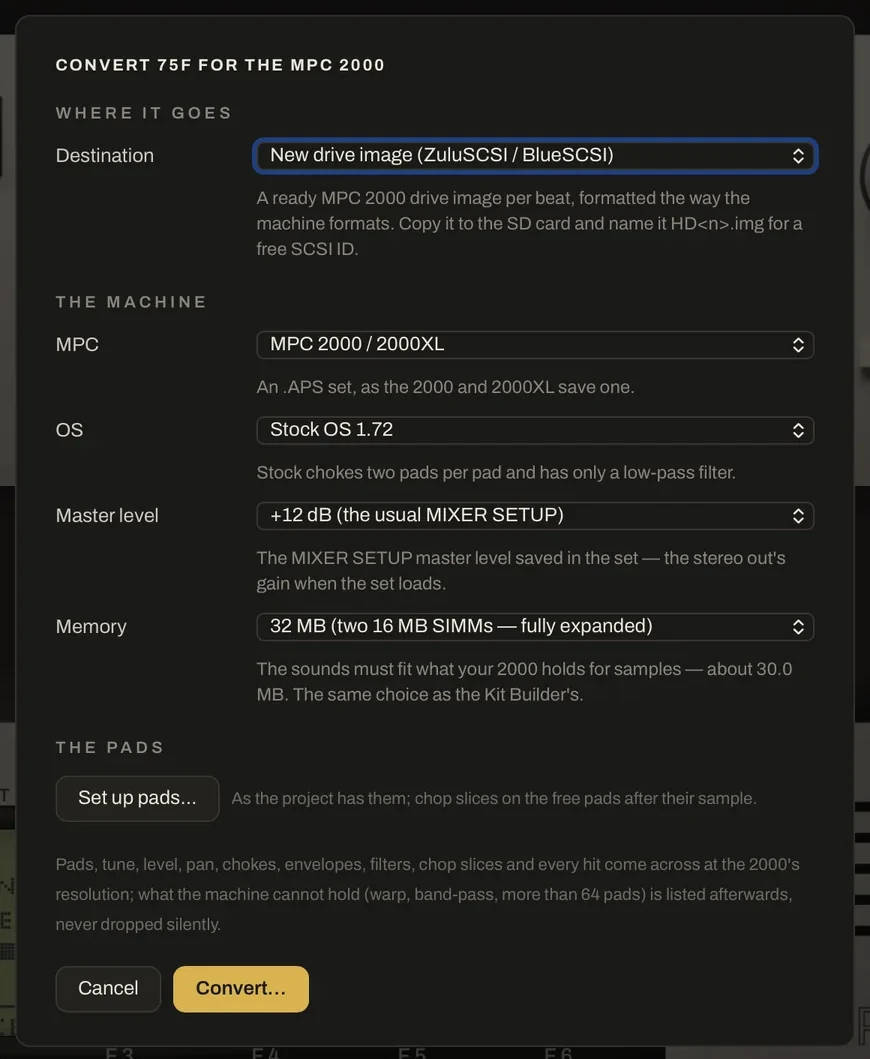
The Kit Builder
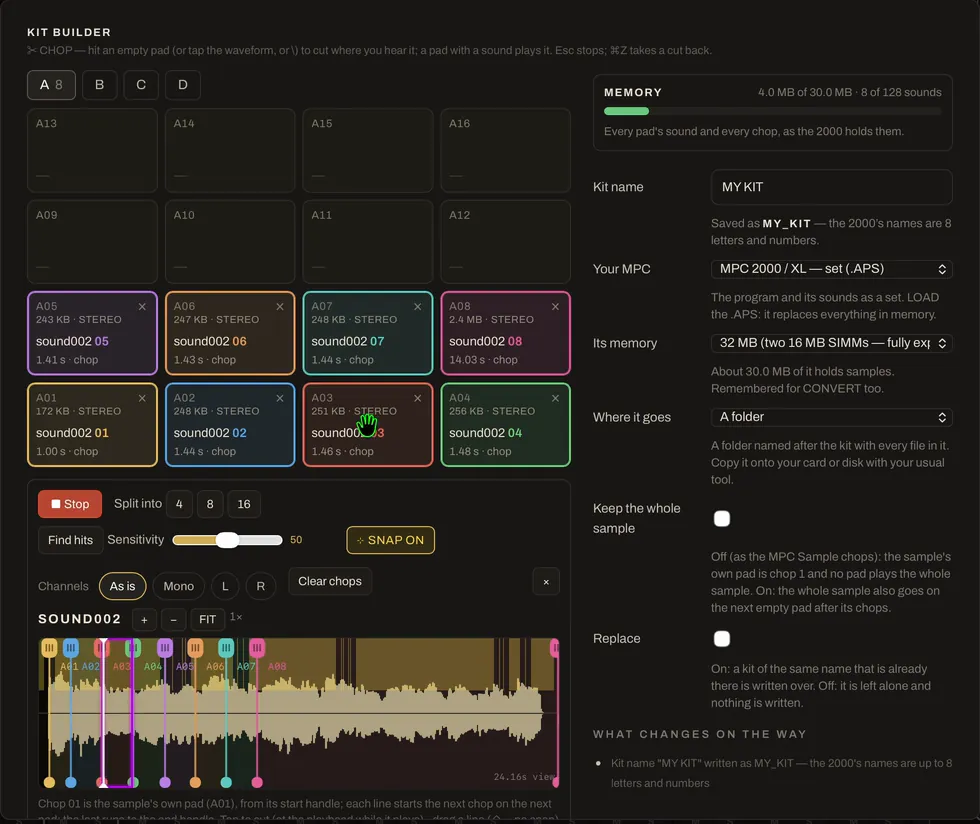
Build a kit for your MPC from your own samples. Drop them on the pads and chop them the way Terminator does: tap the waveform, split into 4, 8 or 16, find the hits — or play the sample and hit empty pads to cut where you hear it. A memory meter counts every pad and chop against the MPC you own, then it writes a 2000 program or set, a 2500 / 1000 program with its WAVs, or a drum program for MPC software.
A rack of real-looking gear.
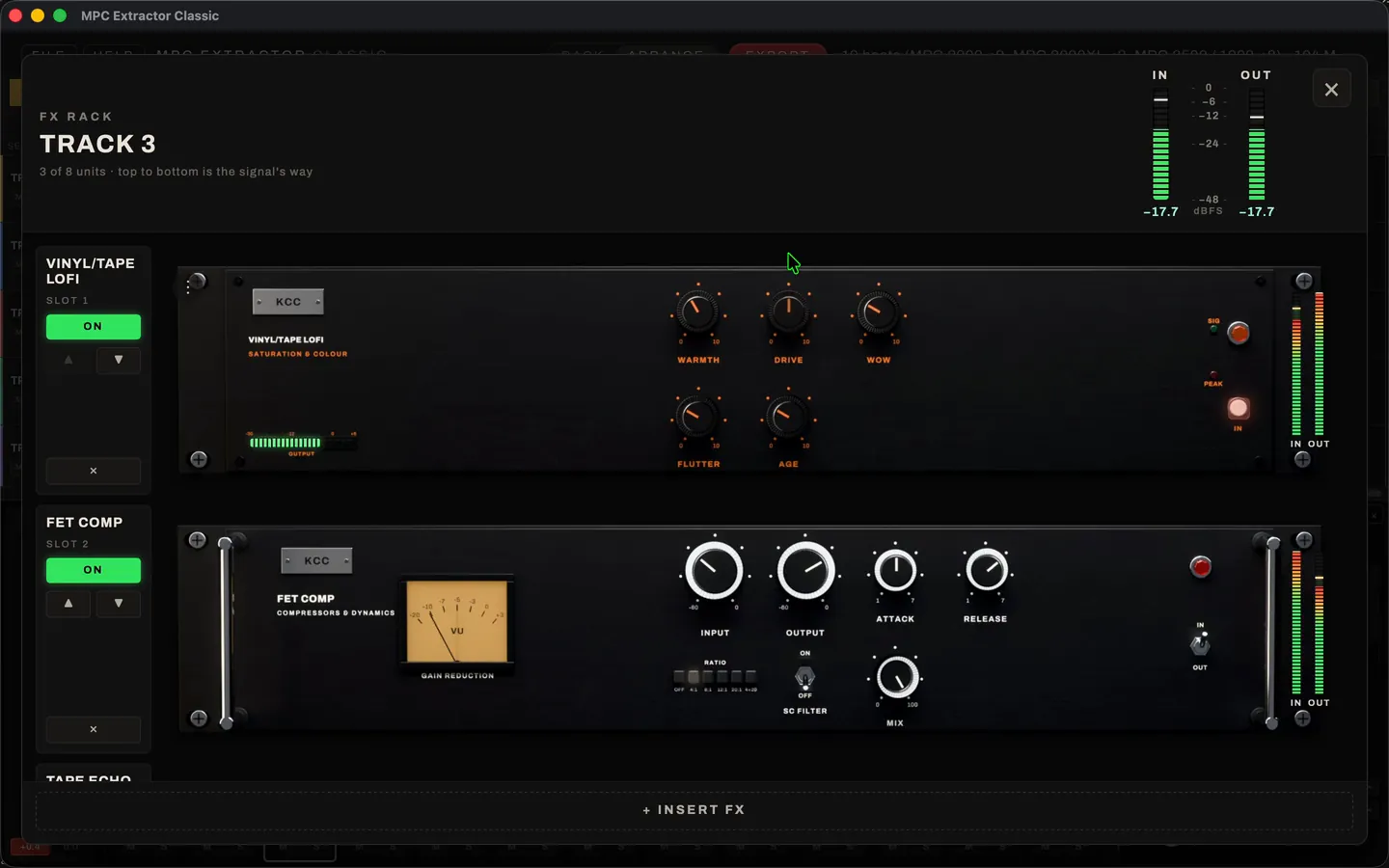
Every beat gets a rack. A 16-strip mixer that follows the pad banks — level, pan, mute, solo and two sends per strip, plus a master — and an FX rack of 44 units, each one drawn as a piece of rack hardware: tape echo, plate and hall reverbs, opto and FET compressors, EQs, saturators, a vinyl lo-fi and more. Up to eight inserts per channel, two returns, and every knob tells you what it does.
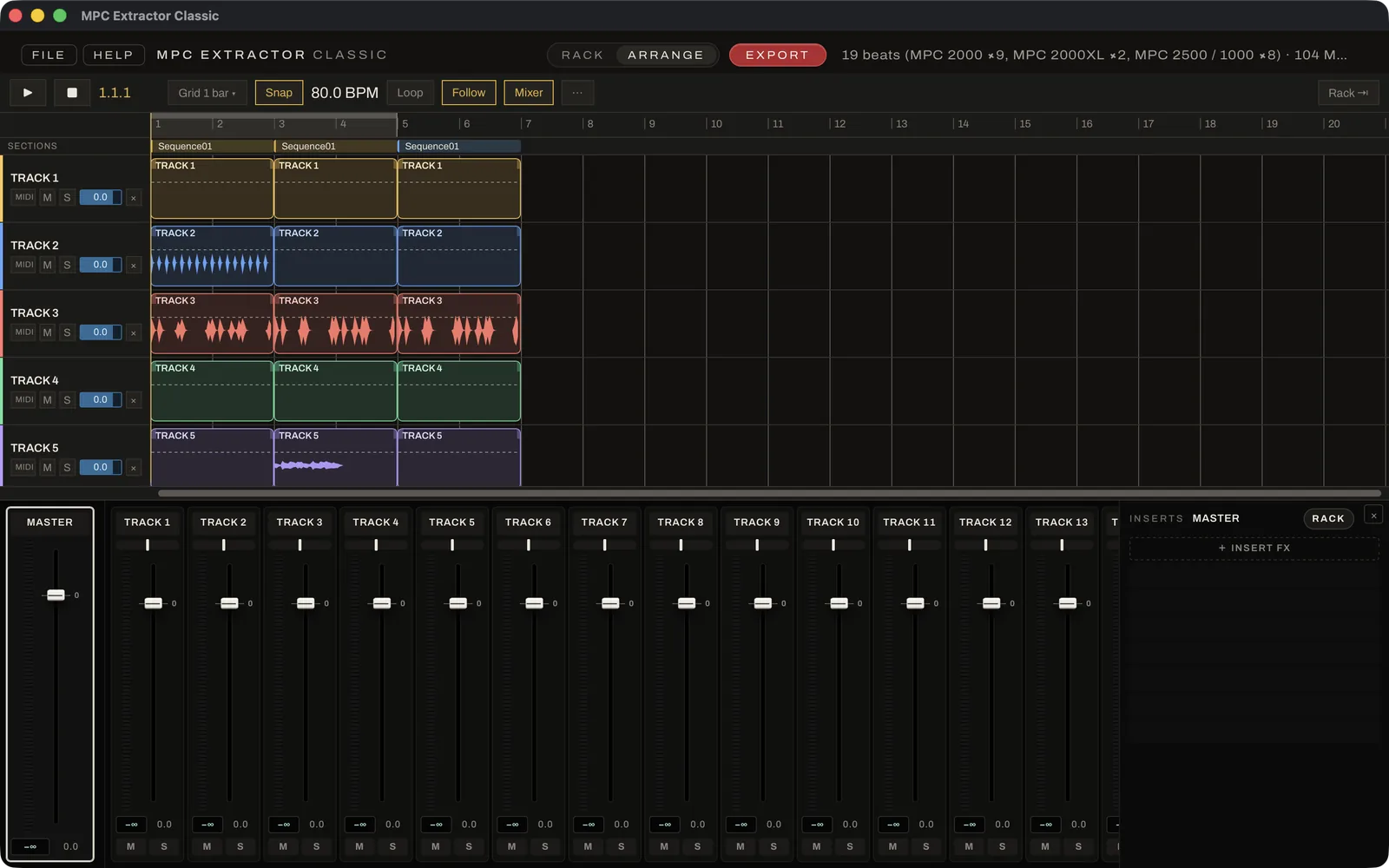
The Arranger: your beat, laid out like Ableton Live.
Press EXPORT on the player and the beat opens in the Arranger: one track per pad, every sequence of the song a section, every hit a clip — each track in its own bright colour.
- Groups — fold tracks together, with a group strip in the mixer
- A full mixer with peak readouts on every strip and the master
- Select many strips and move them together
- Any track’s FX rack as a popup, one click from the mixer
- Loop a section; copy, paste and drag-duplicate clips
- One undo for everything — and what you arrange is what exports
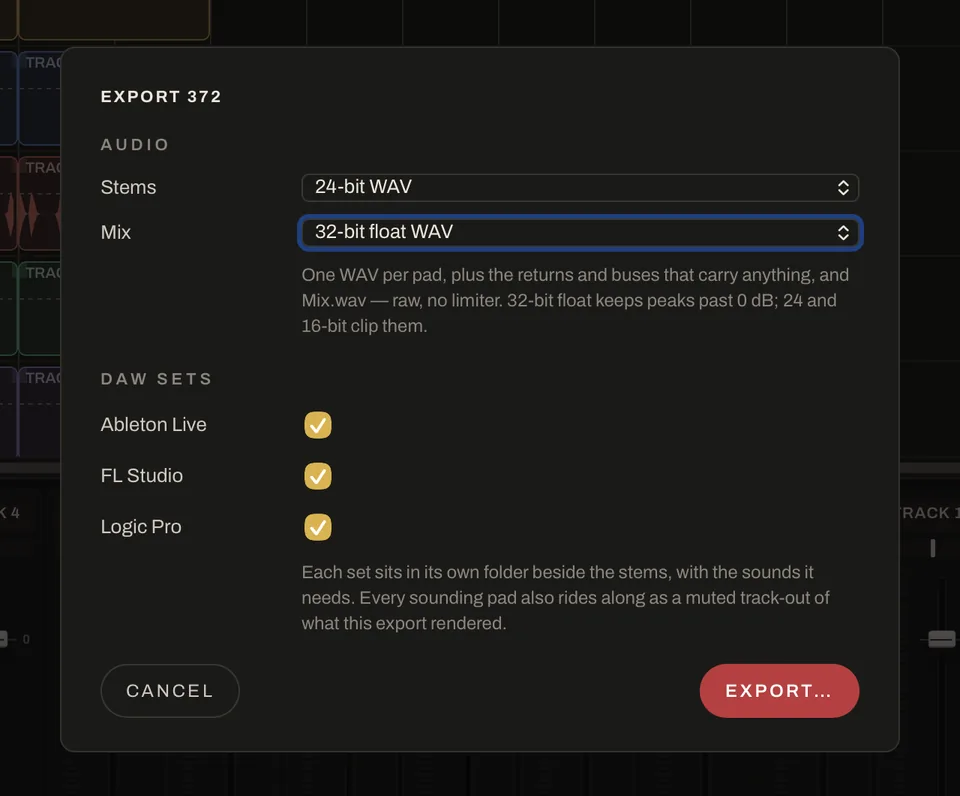
Export stems or a whole session.
- WAV stems + the mixEvery pad as its own WAV, through its rack chain. The mix comes out unlimited, as 32-bit float — nothing squashed.
- Ableton LiveA Live set: the beat on sampler pads, plus every stem as a muted audio track.
- FL StudioAn FL project with the beat, and the stems as muted audio clips.
- Logic ProA Logic project folder, ready to open. Mac only.
Screenshots and video.
All of them from MPC Extractor Classic 1.0.1 on a Mac, with real beats: MPC 2000 beats from an SD card and MPC Sample projects. Tap one to see it full size.
What you need.
- Mac
- macOS 11 Big Sur, Intel or Apple silicon
- Windows
- Windows 10, 64-bit (x64), with Microsoft Edge WebView2 — the installer offers it if it’s missing
- Memory
- 4 GB RAM
- Disk
- 300 MB free, plus room for your exports
- Screen
- 1280 × 720
- Audio
- Your computer’s built-in output
- Mac
- Apple silicon (M1 or newer), macOS 13 or later
- Windows
- Windows 11, a 4-core CPU (Intel Core i5 8th gen / AMD Ryzen 5 or newer)
- Memory
- 8 GB RAM or more — more if you run your own VST3 / AU plugins
- Disk
- An SSD with a few GB free for stems and DAW sessions
- Screen
- 1920 × 1080 or larger
- Audio
- An audio interface; the app opens at a 128-sample buffer
- Your beats
- A folder, a disk image (.img) from a ZuluSCSI or Gotek, or loose files
- Optional
- A MIDI keyboard or pad controller to play the pads
- Price
- Free — no account, no licence key